Create Your First Quiz
RooQuiz is a platform for creating, distributing, and analyzing quizzes, assessments, and surveys. This documentation is written for creators — users who build and manage quizzes in the dashboard. This page walks you through the full journey, from creating a quiz to receiving your first response, in just a few minutes.
Sign up and sign in
Create an account with your email, verify it, and enter the dashboard. See Sign Up & Sign In.
Pick a type and create your quiz
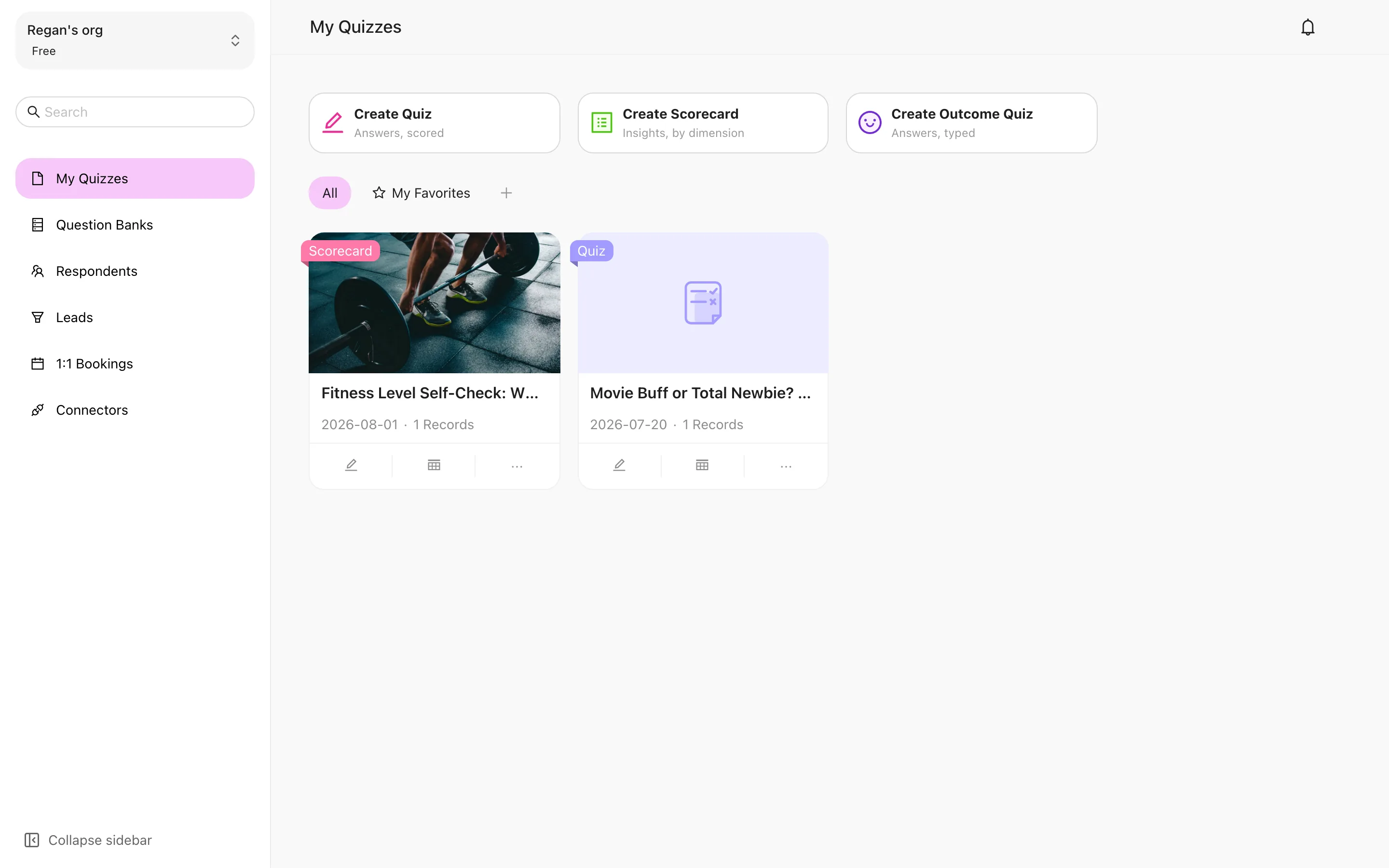
Three creation cards sit at the top of the dashboard. Choose by what the respondent should get:
- A score, right/wrong judgement → Create Quiz
- A multi-dimension profile → Create Scored Quiz
- A "which type are you" conclusion → Create Outcome Quiz
The Random Knowledge Quiz, which draws random questions each time, is created from Question Banks. Start from a template — the creation drawer opens on templates, and a clone is yours to edit freely.
The quiz type cannot be changed after creation — getting it wrong means rebuilding. The full comparison is in The Four Quiz Types.
Add a question
Creation drops you straight into the editor. Click Add Question, add a single choice question, and write the prompt and options; for a Knowledge Quiz, mark the correct answer and set its points. Use preview to check how it looks on mobile and desktop. More types in Question Types.
Publish and get your link and QR code
Switch to the Share tab, confirm the quiz is active, then copy the public link or download the QR code and send it to respondents. See Public Link & QR Code.
See your first response
Open the link and answer it yourself first. Back in Records you'll see the first response, and Insights shows completion rate and source data. See Records.